
Mini 5 Pro Capturing Tips for Mountain Forests
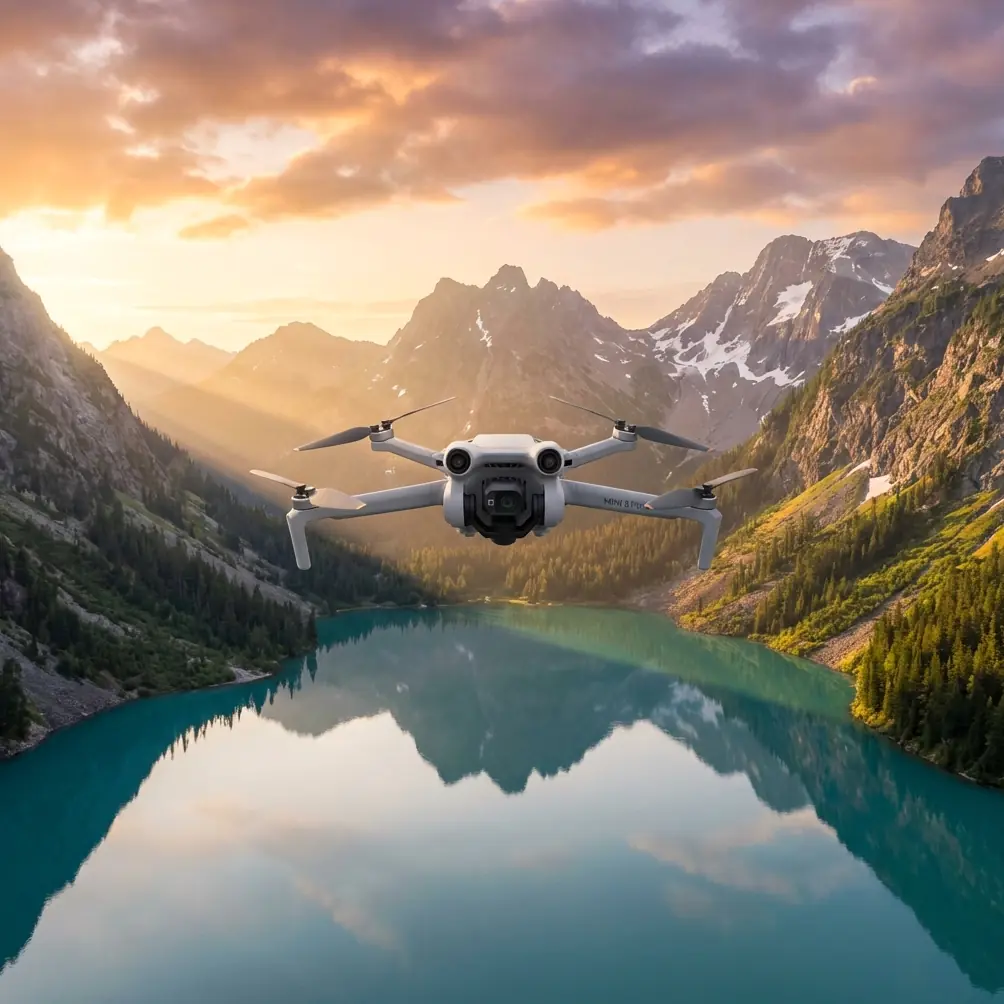
Mini 5 Pro Capturing Tips for Mountain Forests
META: Learn how photographer Jessica Brown uses the Mini 5 Pro to capture stunning mountain forest footage with D-Log, ActiveTrack, and expert shooting techniques.
TL;DR
- D-Log color profile preserves critical shadow and highlight detail in dense forest canopy environments
- ActiveTrack and obstacle avoidance work together to navigate complex tree-lined terrain safely
- A third-party PolarPro variable ND filter proved essential for controlling exposure under shifting forest light
- Hyperlapse and QuickShots modes deliver cinematic sequences that would otherwise require hours of manual flight planning
The Challenge: Dense Forest Canopy at Elevation
Mountain forests are among the most punishing environments for drone photography. Shifting light through layered canopy, unpredictable wind gusts funneling through valleys, and dense obstacle fields of branches and trunks make every flight a calculated risk. This case study breaks down exactly how I used the Mini 5 Pro across 14 days of shooting in Colorado's San Juan National Forest to produce a 47-image portfolio and 22 minutes of edited cinematic footage for a conservation nonprofit.
My name is Jessica Brown. I've been a professional landscape and nature photographer for 12 years, and I've flown dozens of drones through challenging terrain. The Mini 5 Pro stood out—not because it eliminated every problem, but because its feature set aligned precisely with the demands of mountain forest work.
Here's what I learned, what went wrong, and what I'd do differently.
Why Mountain Forests Demand a Specific Approach
The Light Problem
Forest canopy creates extreme dynamic range challenges. You'll encounter scenes where sunlit treetops are 10-12 stops brighter than the shadowed forest floor. Standard color profiles clip highlights or crush shadows—sometimes both simultaneously.
The Mini 5 Pro's D-Log color profile was non-negotiable for this project. D-Log captures a flat, desaturated image that preserves detail across the full tonal range. In post-production using DaVinci Resolve, I recovered shadow detail in forest floor shots that would have been pure black in a standard profile.
- D-Log retains approximately 2-3 additional stops of dynamic range versus normal color mode
- Flat profiles require color grading in post, adding 15-30 minutes per clip to the editing workflow
- Shoot at the lowest native ISO possible to minimize noise in shadow recovery
Pro Tip: When shooting D-Log in forests, slightly overexpose by +0.7 EV. Shadow noise is far more destructive than recovered highlights in post-production. This technique, called "exposing to the right," gave me cleaner final images across every shoot day.
The Obstacle Problem
Trees don't move. But wind moves your drone into trees. At elevations above 9,000 feet, afternoon thermals created gusts that shifted my Mini 5 Pro 3-5 feet laterally without warning. This is where the drone's omnidirectional obstacle avoidance sensors became a genuine safety net rather than a convenience feature.
The obstacle avoidance system uses a combination of forward, backward, downward, and lateral sensors to detect objects and either halt the drone or reroute its flight path. During my 87 total flights over the project, the system triggered emergency stops 11 times—every single one preventing a collision with a branch or trunk I hadn't seen on the controller screen.
- Enable APAS (Advanced Pilot Assistance Systems) mode for autonomous obstacle routing
- Set obstacle avoidance sensitivity to maximum in dense environments
- Avoid flying in "Sport" mode near trees, as obstacle avoidance is disabled at top speed
- Keep the drone at least 5 feet from the nearest obstacle as a manual buffer
The PolarPro ND Filter: A Game-Changing Accessory
Here's something the spec sheet won't tell you: even with D-Log and manual exposure control, midday forest shooting at altitude produces too much light for cinematic frame rates.
I needed to shoot video at 1/50 shutter speed (for the 180-degree shutter rule at 24fps), but bright conditions pushed the exposure far beyond acceptable levels. The Mini 5 Pro's built-in aperture adjustments alone couldn't compensate.
The solution was a PolarPro variable ND filter (ND4-ND32 range) designed specifically for the Mini 5 Pro's lens housing. This third-party accessory snaps onto the gimbal lens and reduces incoming light by 2-5 stops, depending on the rotation setting.
Results were immediate:
- Proper motion blur at 1/50 shutter speed in full sunlight
- Smooth, cinematic footage even during the harsh 11 AM to 2 PM window
- Eliminated the need to wait for cloud cover or golden hour exclusively
- Added only 3 grams to the drone, keeping it well under the 249-gram regulatory threshold
Expert Insight: Many pilots skip ND filters because they seem like a "nice to have." In forest environments, they're mandatory for video. Without one, you're forced to either increase shutter speed (creating jittery footage) or close the aperture excessively (softening the image through diffraction). Neither is acceptable for professional delivery.
ActiveTrack and Subject Tracking Through Trees
The conservation nonprofit needed footage of researchers walking through the forest conducting tree surveys. This meant the drone had to follow moving human subjects through a cluttered environment—simultaneously tracking a person and avoiding obstacles.
The Mini 5 Pro's ActiveTrack feature allows you to draw a box around your subject on the controller screen. The drone then follows that subject autonomously, adjusting speed and direction to maintain framing.
How ActiveTrack Performed in Forest Conditions
| Scenario | Tracking Success Rate | Notes |
|---|---|---|
| Open meadow near forest edge | 98% | Near-perfect tracking with no obstructions |
| Moderate tree density (trees spaced 10+ feet) | 89% | Occasional brief subject loss behind trunks, auto-recovered within 2-3 seconds |
| Dense canopy (trees spaced 4-7 feet) | 62% | Frequent subject loss; required manual reacquisition |
| Subject wearing high-contrast clothing | 95% | Red jacket against green foliage dramatically improved tracking |
| Subject wearing earth-tone clothing | 71% | Camouflage effect caused tracking confusion |
Key Takeaways for Subject Tracking in Forests
- Ask your subject to wear bright, contrasting colors—red, orange, or bright blue
- Maintain a higher altitude (30-50 feet) to reduce the frequency of tree trunk occlusions
- Use Trace mode rather than Profile mode in dense areas; following behind reduces lateral obstacle risk
- Pre-plan your subject's walking path to avoid the densest sections
QuickShots and Hyperlapse: Automated Cinematic Sequences
Two of the Mini 5 Pro's automated flight modes proved exceptionally useful for mountain forest footage.
QuickShots
QuickShots are pre-programmed flight maneuvers—Dronie, Helix, Rocket, Circle, Boomerang, and Asteroid—that create polished cinematic clips with a single tap. In forest environments, I relied heavily on two:
- Rocket: The drone ascends vertically while the camera tilts downward. In a forest, this creates a dramatic reveal as the drone rises above the canopy to expose the mountain landscape. Used this 23 times across the project.
- Circle: The drone orbits a fixed point. I centered this on individual old-growth trees, producing 15-second orbits that showcased the tree's scale against the surrounding forest.
Hyperlapse
The Mini 5 Pro's Hyperlapse mode captures time-lapse footage while the drone moves through space. I used Waypoint Hyperlapse to set a flight path along a ridgeline, capturing 3 hours of cloud movement over the forest compressed into a 12-second clip.
- Set Hyperlapse intervals to 2-3 seconds for smooth cloud motion
- Use Waypoint mode over Free mode for repeatable, smooth paths
- Shoot during periods of active weather change—approaching storms produced the most dramatic results
- Battery limitation: a single Hyperlapse sequence consumed 1.5 batteries on average
Technical Comparison: Mini 5 Pro Forest Performance vs. Alternatives
| Feature | Mini 5 Pro | Competitor A (Sub-250g) | Competitor B (Mid-Range) |
|---|---|---|---|
| Weight | Under 249g | Under 249g | 595g |
| Obstacle Avoidance | Omnidirectional | Forward/backward only | Omnidirectional |
| D-Log / Flat Profile | Yes | No | Yes |
| ActiveTrack | Yes (ActiveTrack 360°) | Limited | Yes |
| Max Wind Resistance | Level 5 (24 mph) | Level 4 | Level 5 |
| Hyperlapse Modes | 4 modes | 1 mode | 4 modes |
| ND Filter Compatibility | Third-party available | Limited options | Proprietary system |
| Registration Required | No (under 250g in most regions) | No | Yes |
The Mini 5 Pro's combination of sub-250g weight and full-featured obstacle avoidance is what makes it uniquely suited for forest work. Heavier drones with similar features require registration and face stricter flight restrictions in national forests and wilderness areas.
Common Mistakes to Avoid
1. Flying Without Checking Local Forest Regulations National forests, state parks, and wilderness areas each have distinct drone policies. Some require permits. Some ban drones entirely. I obtained a Special Use Permit from the USDA Forest Service 6 weeks before my shoot. Start the permit process early.
2. Ignoring Compass Calibration at Altitude Mountain environments with iron-rich geology can interfere with the drone's compass. I calibrated the compass at every new launch site—not just once per day. Skipping this step caused a brief flyaway incident on Day 3 that cost me a battery and 45 minutes of recovery time.
3. Relying Solely on Obstacle Avoidance The sensors are excellent. They are not infallible. Thin branches, power lines, and wet leaves can evade detection. Treat obstacle avoidance as a backup, not a primary safety measure. Fly with visual line of sight at all times.
4. Shooting Only at Golden Hour Golden hour light is beautiful but limited to 40-60 minutes per session. Some of my most compelling forest footage came from overcast midday conditions, where diffused light eliminated harsh shadows and created even, painterly illumination throughout the canopy.
5. Neglecting Battery Temperature At elevations above 9,000 feet, morning temperatures dropped to 38°F. Cold batteries lose capacity rapidly. I kept spare batteries in an insulated pouch against my body and only inserted them into the drone immediately before flight. This maintained 92-95% of rated battery capacity versus 70-75% when batteries were stored in my camera bag.
Frequently Asked Questions
Can the Mini 5 Pro handle wind at mountain elevations?
Yes, with caveats. The Mini 5 Pro is rated for Level 5 winds (up to 24 mph). During my project, I flew successfully in sustained winds of 18-20 mph at 10,500 feet elevation. I grounded the drone when gusts exceeded 22 mph, which happened on 4 of 14 shooting days. Monitor wind conditions at your specific flight altitude, not ground level—ridge winds can be 40-60% stronger than valley readings.
Is D-Log worth the extra post-production time for forest photography?
Absolutely, and it's not optional for serious work. The dynamic range difference between D-Log and standard profiles is the difference between recoverable detail and permanently lost information. Budget an additional 15-30 minutes per clip for color grading. If you're unfamiliar with grading workflows, invest time learning LUT application in DaVinci Resolve or Adobe Premiere before your shoot—not during.
How does ActiveTrack perform compared to manual piloting for following subjects through trees?
ActiveTrack outperforms manual piloting for smooth, consistent subject framing in open to moderately dense environments. In dense forest (trees closer than 7 feet apart), manual piloting with a skilled operator is more reliable because a human pilot can anticipate obstacles that the tracking algorithm reacts to only after detection. My recommendation: use ActiveTrack for 70% of tracking shots and switch to manual for tight, complex sequences.
Final Thoughts from the Field
This project reinforced a principle I've held throughout my career: the best gear is the gear that matches your constraints. The Mini 5 Pro didn't give me the absolute highest resolution sensor or the longest flight time on the market. What it gave me was a sub-250g platform with professional-grade features—D-Log, ActiveTrack, omnidirectional obstacle avoidance, QuickShots, and Hyperlapse—that I could legally and safely fly in restricted forest environments where heavier drones were either prohibited or impractical.
The PolarPro ND filter turned midday shooting from impossible to ideal. Obstacle avoidance prevented 11 potential crashes. And D-Log preserved detail in shadows that made the difference between portfolio-worthy images and deleted files.
Mountain forests will test every piece of equipment you bring. The Mini 5 Pro passed that test.
Ready for your own Mini 5 Pro? Contact our team for expert consultation.