
Mini 5 Pro in Harsh Field Conditions: What a 50 km² Mapping
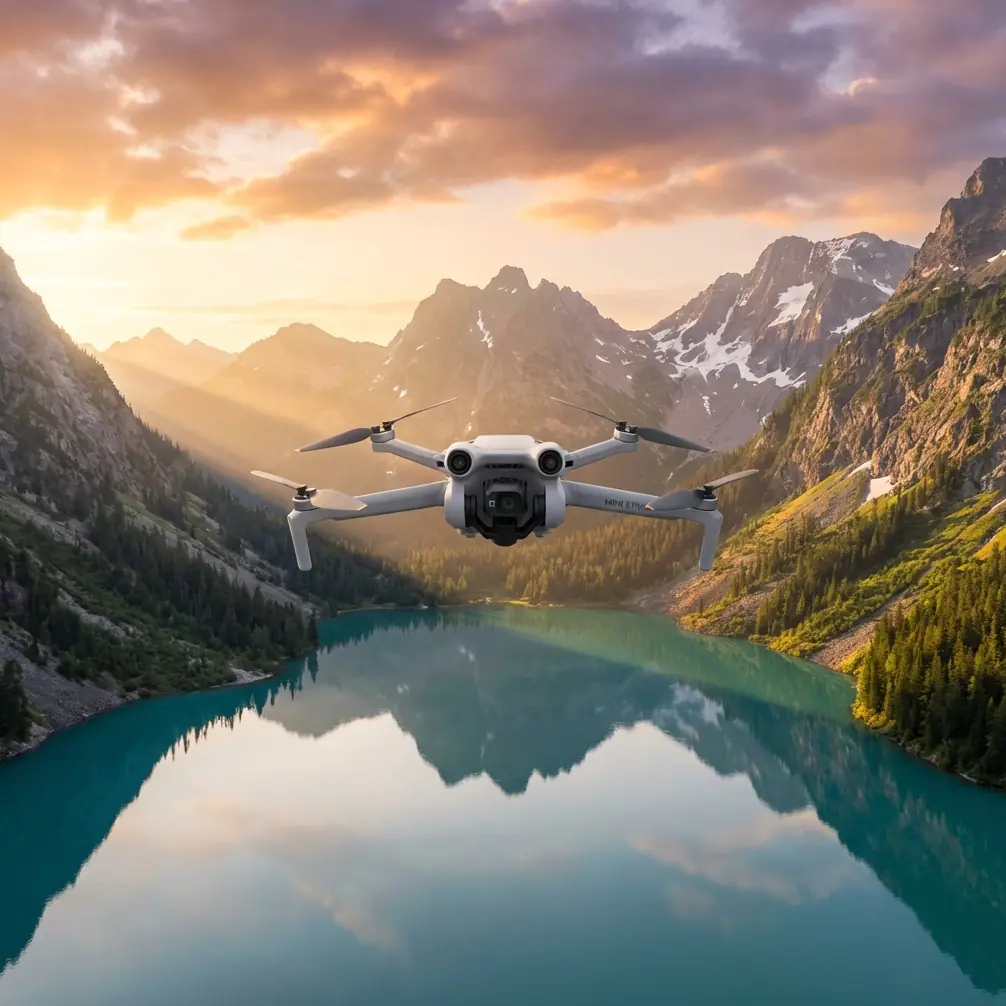
Mini 5 Pro in Harsh Field Conditions: What a 50 km² Mapping Workflow Teaches Us About Flying Smarter
META: A field-tested look at using Mini 5 Pro for capturing fields in extreme temperatures, with lessons drawn from a 50 square kilometer oblique mapping workflow, battery management, flight planning, and post-processing decisions.
I spend a lot of time around photographers who want a small drone to behave like a survey platform, and around mapping crews who wish their heavy field kit were half as easy to carry. The interesting question for the Mini 5 Pro crowd is not whether a compact drone can replace a dedicated oblique mapping rig across every workflow. It cannot. The better question is this: what can a serious field operator borrow from proven large-area mapping practice to get cleaner, more usable results from a lightweight aircraft in difficult temperatures?
A lot, actually.
One technical solution I reviewed recently centered on a 50 square kilometer project that combined dense urban blocks with industrial areas. The aircraft in that operation was a CHCNAV iFly D6 multirotor with an iCamQ5 oblique camera, flying 6 flight lines and capturing roughly 600 images from different angles. Processing relied on DP-Smart for automated modeling and DP-Modeler for refined model production. After vector extraction, outputs could be exported in several formats, including .cas for attributed line and point data, and then opened directly in South CASS for map production.
At first glance, that sounds far removed from a Mini 5 Pro owner photographing agricultural parcels in summer heat or frost-bound winter fields. But the operational lessons carry over surprisingly well, especially if your goal is dependable capture rather than casual flying.
The big takeaway: field capture quality starts before takeoff
The reference project covered a mixed landscape: 24 square kilometers of urban area and 26 square kilometers of industrial zone, with varied and complex structures. That matters because it forced the team to think in terms of geometry, overlap, angle diversity, and data discipline. They were not simply collecting pretty images. They were restoring spatial relationships through automated aerial triangulation and then building a usable 3D result.
If you are flying a Mini 5 Pro over farmland in extreme temperatures, your version of that discipline starts with one hard truth: temperature stress magnifies every weak decision. Batteries sag faster. Wind estimation gets trickier. Exposure shifts become more obvious when bright soil, frost, water, and crop canopy share the same frame. Obstacle sensing can behave differently when contrast is low or heat shimmer is high. A compact drone can still perform well, but only if the operator stops improvising and starts treating each sortie like a structured data mission.
That is where the mapping workflow becomes useful.
The D6 mission used multiple viewing angles across 6 flight lines because one angle rarely tells the whole story. For a Mini 5 Pro user, the equivalent is resisting the temptation to do a single fast pass over a field and call it done. If you need useful crop-edge definition, irrigation visibility, drainage interpretation, or clean post-production footage, build repeatable passes. Fly a nadir-style overview. Then fly lower oblique passes on the margins that matter. If wind or thermal turbulence is active, break the job into shorter segments so the aircraft is never chasing consistency after the battery has already dropped into a weaker voltage band.
Extreme temperatures expose battery habits immediately
Here is the battery management tip I share from field experience because it has saved more flights than any spec sheet ever will: do not begin your most important pass on a battery that has already been “lightly used.”
That sounds obvious until you are in the field, one pack is at 68 percent, the light is perfect, and the launch spot is muddy enough that you do not feel like swapping. In heat, that half-used battery can warm quickly and lose predictability under acceleration. In cold, it can report decent charge while delivering weaker real-world performance once the drone starts pushing into wind.
My rule for difficult field conditions is simple. Fresh battery for the main pass. The partly used pack is for scouting, controller checks, ActiveTrack experiments, or a short composition test near the launch area. Never for the core capture.
This is one place where the reference project’s structure matters. A mission that captured around 600 images from multiple angles over planned lines was built on sequencing. The aircraft was not just sent up and “worked until low battery.” The mission design came first. The same mindset helps with the Mini 5 Pro. Plan the order of your passes based on battery confidence, not convenience.
In cold weather, I also keep spare batteries insulated until needed and let the drone hover briefly after takeoff before sending it into a long cross-field run. In hot weather, the opposite problem shows up: packs can become heat soaked while sitting in direct sun before flight. Keep them shaded. Do not leave your case open in the truck bed or on dry soil. A battery that starts too hot is just as undesirable as one that starts too cold.
Why angle diversity still matters on a small drone
The iFly D6 setup paired a dedicated oblique camera with modeling software precisely because angled imagery reveals structure that straight-down views miss. For field users with a Mini 5 Pro, that principle matters even if you are not building formal survey products.
A top-down pass tells you layout. Oblique passes tell you shape, edge condition, and surface texture.
That distinction becomes useful when photographing tree lines bordering fields, irrigation equipment, drainage cuts, greenhouse rows, barns, or access roads. It also improves visual storytelling if you are producing media for farm management updates, land documentation, or seasonal comparison reports. In extreme temperatures, these details become even more important because harsh light and atmospheric distortion can flatten the scene. A smart oblique angle restores depth.
This is also where obstacle avoidance earns its keep. On winter flights with bare branches and long shadows, or summer flights where machinery, poles, and wires sit near field boundaries, the confidence to fly a measured oblique track is worth more than a dramatic top speed. The drone’s obstacle sensing is not a substitute for line-of-sight judgment, but it gives you more margin when repeating precise passes near edges.
Subject tracking is useful in fields, just not in the way most people think
People tend to hear ActiveTrack and imagine sports clips or social content. In agricultural and land documentation work, subject tracking can be practical when used carefully. A slow-moving tractor, utility vehicle, or walking inspection lead can serve as a visual reference across a broad property. That can help when creating progress records or contextual footage showing scale.
But the professional use case is not “set it and forget it.” It is “use it when the terrain is open, predictable, and already scouted.”
Extreme temperatures add another wrinkle. Heat shimmer can soften visual contrast over long distances, making tracking less trustworthy than on mild days. In winter, low-angle light can create strong glare and elongated shadows that alter how subjects appear. So I treat ActiveTrack as a support feature, not a mission backbone. Establish your coverage manually first. Then use tracking for selected supplementary shots if the environment is forgiving.
D-Log is not just for filmmakers
One mistake I see in field capture is overcommitting to a punchy standard profile because it looks good on the controller in bright sunlight. Then later, the operator realizes the pale sky clipped, the reflective irrigation line blew out, and dark crop rows have no subtle detail left.
If you are documenting land conditions across difficult weather windows, D-Log or a similarly flat capture profile can preserve more flexibility. That matters when the scene includes frost, wet soil, reflective plastic covers, bright midday dust, or low winter sun. You may not need a cinematic grade. You do need recoverable information.
The reference mapping workflow relied on restoring spatial relationships and generating usable outputs downstream. That mindset applies here too. Capture for what the file needs to become later, not just for what looks attractive in the moment on a five-inch screen.
QuickShots and Hyperlapse have a place, but they are not the mission
I like QuickShots and Hyperlapse on compact drones, especially when I need a fast visual summary for a client or project archive. A short orbit of a field entrance, a reveal over irrigation rows, or a time-compressed cloud movement above a property can add context. Still, when temperatures are extreme, battery budget becomes a more serious part of creative decision-making.
In those conditions, I capture the essential field passes first, then the supporting visuals if power and weather still look stable. Never reverse that order.
That sounds basic. Yet many operators burn their best battery making cinematic fragments, then rush the real work. A mission inspired by mapping logic does the opposite. Secure the record. Then add the flourish.
Small-drone operators should think more about outputs
One of the most practical details in the reference material is the export logic after vector extraction: .dxf without attributes, .cas with attributes for line and point features, and .dat for contour elevation points. The operational significance is bigger than the file extensions themselves. The team knew, from the beginning, what the downstream product needed to be.
That is exactly how Mini 5 Pro operators should think when capturing fields for clients, landowners, agronomists, or internal documentation teams.
Ask before launch:
- Is this footage mainly visual communication?
- Is it a repeatable seasonal record?
- Does someone need to identify edges, roads, structures, drainage, or equipment locations later?
- Will stills be compared over time?
- Will the material be handed to a GIS or CAD workflow eventually?
When you know the output, you choose altitude, angle, pass spacing, and color settings more intelligently. You also avoid the common trap of returning with attractive footage that is hard to use for any real operational decision.
Efficiency is not just about speed
The source notes an efficiency figure of 0.4 square kilometers per person-week in one context of the modeling workflow, along with a data collection example at 100 meters altitude. Those figures should not be copied directly onto a Mini 5 Pro mission. They belong to a different platform and workflow. What matters is the principle behind them: efficiency in aerial work is a systems question, not a flying question.
A fast sortie that creates messy files, incomplete coverage, or inconsistent lighting is not efficient. A slower, structured set of passes that produces repeatable outputs usually is.
That is especially true in extreme temperatures, where rushed choices compound quickly. If your field is large, split the operation by priority zones. Launch when the light is stable and the air is calmer. Label batteries by cycle behavior. Keep a simple log of temperature, wind feel, battery used, and pass sequence. This sounds boring until the day you return to compare crop condition across weeks and realize your best dataset came from the flights where you were methodical.
My field workflow for Mini 5 Pro in temperature extremes
If I were sending a Mini 5 Pro out to document fields under harsh temperature conditions, this is the practical sequence I would follow:
- Scout the route on foot or from the field edge first.
- Keep mission batteries temperature-managed before launch.
- Use a fresh battery for the core overview pass.
- Capture a top-down layout pass first.
- Follow with lower oblique passes on important boundaries or structures.
- Use D-Log if the contrast range is ugly.
- Treat ActiveTrack as optional support, not the main plan.
- Leave QuickShots and Hyperlapse for the end.
- Review image consistency before packing up.
- Note environmental conditions so your next flight improves.
That workflow is not glamorous. It is dependable.
And dependable is what separates a useful field report from a lucky flight.
Where the Mini 5 Pro fits
The Mini 5 Pro makes sense when access is awkward, timelines are short, and the operator values mobility. It will not replace a dedicated oblique system like an iFly D6 carrying an iCamQ5 for broad, highly structured 3D production over tens of square kilometers. But it does not need to. Its value is in bringing more disciplined capture habits into places where a larger setup would be excessive or impractical.
That is why the mapping reference is worth studying. Not because the hardware matches, but because the thinking does.
Six planned flight lines. Roughly 600 images from multiple angles. A 50 square kilometer project with complex buildings. Automated aerial triangulation to restore spatial relationships. Refined modeling and export paths that support downstream work. Every one of those details points to a professional truth: the aircraft is only one part of the result.
If you are flying a Mini 5 Pro over fields in punishing heat or winter cold, adopt that same mindset. Structure the mission. Respect the battery. Capture for the final use, not the live preview. Let smart features help, but do not let them think for you.
If you want to compare notes on field workflows, battery prep, or how to adapt compact-drone capture to more demanding land documentation tasks, send a message through this direct field support chat.
Ready for your own Mini 5 Pro? Contact our team for expert consultation.