
Mini 5 Pro Guide: Capturing Coastlines When the Landscape
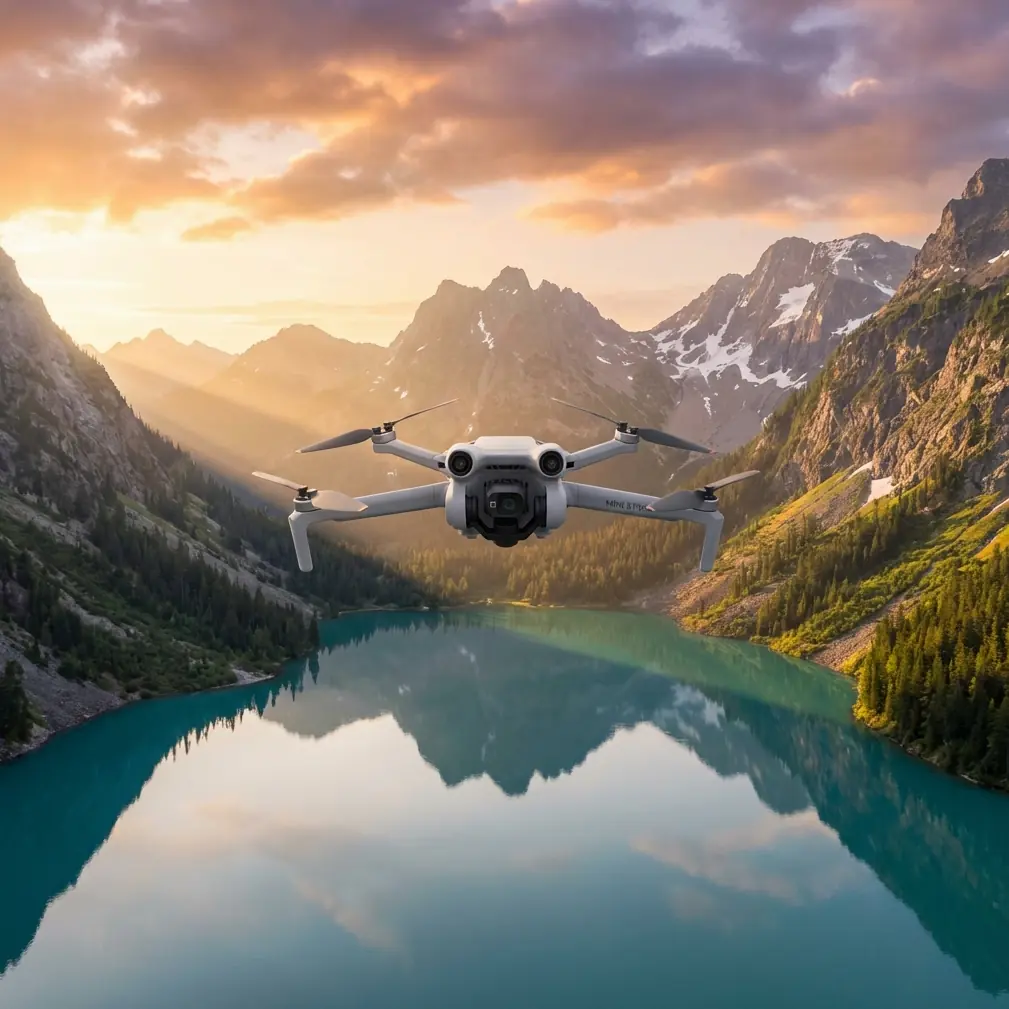
Mini 5 Pro Guide: Capturing Coastlines When the Landscape Won’t Cooperate
META: A field-tested Mini 5 Pro article for photographing coastlines in difficult terrain, with practical insight on obstacle avoidance, ActiveTrack, D-Log, QuickShots, Hyperlapse, and accessory choices.
Coastlines look simple from a distance. Water, rock, horizon, maybe a strip of sand. Once you actually try to film them well, the problems stack up fast. Wind bends your flight path. Cliffs interrupt line of sight. Sea spray and shifting light flatten detail. Narrow inlets and jagged outcrops force you to think less like a casual flyer and more like a camera operator working inside a moving maze.
That is exactly where the Mini 5 Pro starts to matter.
I’ve spent enough time around coastal terrain to know that the spec sheet only becomes useful when it solves a field problem. For this kind of work, the value of a compact drone is not just portability. It is how quickly you can move from one launch point to another, reset for a new angle, and keep shooting before the light disappears behind a headland. A larger aircraft can still be the right tool for heavy production days, but the Mini 5 Pro sits in a sweet spot for photographers who need reach, speed, and flexibility without turning every shoreline session into a full logistics exercise.
The challenge is that coastlines are rarely forgiving. They combine reflective water, uneven elevation, gusts coming off rock faces, and visual clutter that can confuse both pilot and camera composition. If your goal is clean footage rather than random scenic clips, the drone has to do more than simply stay airborne.
The real problem with coastline shooting
Most people assume the main issue is wind. Wind matters, but it is only one layer.
The bigger problem is complexity. Coastal terrain changes every few seconds depending on your angle. A cliff edge that looks open from your launch point may hide protruding rock once you start a lateral move. A narrow sea path between stacks can look cinematic on-screen but become risky if your aircraft does not manage obstacle awareness well. Add a moving subject like a hiker, surfer, or small boat, and the scene becomes even less predictable.
This is where obstacle avoidance and subject tracking stop being marketing terms and become operational tools.
When I’m working a broken coastline, obstacle avoidance helps protect the shot as much as the aircraft. That sounds obvious, but there’s a difference between avoiding a collision and preserving camera intention. If you are sliding sideways to reveal a cove, the last thing you want is a sudden manual correction because the terrain changed faster than expected. A drone that can better interpret the environment gives you more freedom to think about framing, timing, and movement instead of spending the whole flight fighting for clearance.
The same applies to ActiveTrack. On a beach promenade or an open field, tracking is straightforward. Along a coastline, the subject may disappear behind rock, pass through bright glare, or move from dark stone into bright surf in seconds. Reliable tracking is not just about convenience. It opens shots that would otherwise require a second operator or force you to simplify your route.
If your audience is drawn to shoreline imagery, they can usually tell when footage was captured cautiously and when it was captured with confidence. The difference shows up in the motion. Smooth arcs. Consistent subject separation. Better reveals.
Why the Mini 5 Pro fits this environment
The strongest case for the Mini 5 Pro in coastal work is not any single feature. It is the way several features support each other.
Take ActiveTrack and obstacle avoidance together. In practical use, this combination gives solo creators a much better chance of following a walker along a cliff trail or pacing a cyclist near a coastal road while maintaining a stable, readable composition. That has real production value. You spend less time repeating passes and more time collecting usable sequences.
Then there is QuickShots. Some experienced pilots dismiss automated moves too quickly, but along a coastline they can be a smart efficiency tool, especially during changing light. Sunrise and late afternoon often deliver only a short window when the water texture, shadows, and sky are all cooperating. A well-used QuickShot can capture a polished reveal or orbit while you preserve battery and mental bandwidth for more demanding manual shots.
Hyperlapse is another feature that makes more sense at the coast than many people expect. Shorelines are naturally dynamic even when the land itself is still. Tides shift. Waves pattern and repattern the foreground. Cloud shadows travel across cliffs. A Hyperlapse sequence from an elevated position can show the whole environment breathing. It turns a static scenic view into a layered story about time, weather, and terrain.
And then there is D-Log.
If you have ever filmed ocean scenes under hard sunlight, you already know why this matters. Coastlines often present the camera with extreme contrast: bright water, dark stone, reflective wet surfaces, and haze on the horizon. D-Log gives you more flexibility to manage that range in post and keep the scene from breaking into blown highlights and crushed shadows. That does not magically fix bad exposure, but it gives a serious editor more room to protect detail in surf lines, cliff textures, and sky gradation.
For a photographer crossing into motion work, that extra grading latitude can be the difference between footage that merely documents a place and footage that actually conveys atmosphere.
A practical field setup that changed the results
One third-party accessory made a bigger difference for me than I expected: a landing pad with weighted edges.
That is not glamorous gear. It is also exactly the kind of thing that matters on real shoreline shoots. Coastal takeoff spots are often dusty, sandy, damp, or uneven. A stable portable pad reduces debris near launch and recovery, gives you a clearer visual reference, and helps when you are moving between rough pull-offs and trail lookouts. On a windy bluff, the weighted edges are not a luxury. They keep your launch area from turning into another problem to solve.
I have also seen operators pair the Mini 5 Pro with a sun hood for the controller display, which can help when glare off the water makes live composition harder. But if I had to name the accessory that most directly improved consistency, the landing pad wins. Better launches and recoveries do not create dramatic footage by themselves. They reduce friction, and reducing friction means you stay focused on the shot list.
That matters more than many new pilots realize.
Building a coastline sequence instead of collecting clips
A lot of Mini 5 Pro footage looks good for five seconds and forgettable after that. The issue is not image quality. It is lack of structure.
When I approach a coastline project, I do not start by asking what the drone can do. I start by asking what the location is trying to say. Is the story about scale? Isolation? Movement? The relationship between footpaths and sea cliffs? Once that is clear, the Mini 5 Pro features become storytelling tools rather than menu options.
Here is a simple coastline workflow that consistently works:
Open with a controlled establishing shot. This is where a slow rise or pullback can define the shape of the coast and orient the viewer.
Then move into a tracking sequence. Use ActiveTrack on a walker or vehicle only if the path and terrain genuinely support it. The goal is not to prove the feature works. The goal is to create a human reference that shows the size and geometry of the landscape.
Next, capture one or two dynamic reveals. QuickShots can help here if time is tight, especially when you want a clean orbit around a sea stack or a tidy retreat from a ridge line.
After that, switch to a more contemplative angle. A Hyperlapse over tidal movement or cloud drift adds pace variation and makes the edit feel intentional.
Finally, protect your grade. If the scene has harsh contrast, shoot in D-Log and expose with the final image in mind rather than trusting the screen in bright coastal glare.
This workflow sounds basic because it is. That is the point. Coastline shooting becomes harder when pilots improvise every shot in the air. The Mini 5 Pro is most effective when you let its automation support a plan, not replace one.
What complex terrain teaches you about flying discipline
Coastlines punish overconfidence.
The dramatic angles are often close to cliffs, over water, or along edges where wind behaves strangely. A drone can seem steady in one position and then drift differently once you start a diagonal move past a rock face. That is why obstacle avoidance is useful, but it should never become an excuse to fly carelessly. In this environment, your best defense is still route planning.
Before takeoff, I like to identify three things: a safe climb path, a safe retreat path, and the point in the scene where signal and line of sight start to get compromised by terrain. That last one matters on headlands and coves where rock formations can interrupt your confidence very quickly.
Complex coastlines also force you to think about battery usage more honestly. Fighting wind on the way back is not the same as drifting out with it. If your launch point is elevated above the shoreline, recovery also feels different than it did at takeoff. These are not dramatic insights. They are the habits that protect both footage and aircraft.
For pilots using the Mini 5 Pro professionally for tourism content, resort visuals, environmental storytelling, or creator-led travel work, that discipline is what turns a capable compact drone into a reliable production tool.
The human side of the footage
One reason coastal drone imagery often underperforms online is that it becomes too abstract. Plenty of beautiful videos fail because they show geography without perspective. The Mini 5 Pro’s subject tracking tools help solve that, especially when used with restraint.
A lone hiker on a path above the surf. A pair of kayakers cutting through a sheltered inlet. A runner moving along a seawall at golden hour. These are not just attractive subjects. They give the viewer scale, direction, and emotional entry into the scene.
That is why ActiveTrack has more value than simple convenience. It helps build continuity around people in places where manual piloting alone may fragment the narrative. You still need to choose moments carefully, especially in crowded or visually chaotic areas, but when the route is right, it can make the final edit feel remarkably composed for a solo operator.
For photographers expanding into short-form video, that can be the breakthrough. You stop thinking in still frames and start thinking in sequences.
Where support and setup still matter
Even experienced creators hit friction when they start adapting a drone to harsh coastal conditions. Accessory choices, controller visibility, launch strategy, and flight settings all affect results more than people expect. If you are trying to refine a specific coastline workflow or sort out a practical field kit, you can reach out here for a direct conversation: message a Mini 5 Pro specialist.
The point is not to add more gear for the sake of it. The point is to remove the avoidable weak spots from your process.
Final take
For coastline work in complex terrain, the Mini 5 Pro earns its place when you use its features as field solutions rather than headline features. Obstacle avoidance helps manage irregular terrain and protects smooth camera movement. ActiveTrack adds structure when a person or moving subject gives the landscape scale. QuickShots and Hyperlapse let you capture polished sequences during short windows of good light. D-Log gives you a better chance of holding detail across water, rock, and sky when the contrast gets harsh.
Add one smart accessory like a weighted landing pad, and the whole workflow becomes more reliable from takeoff to recovery.
That combination is what makes the drone useful. Not just small. Not just capable. Useful in the exact kind of place where beautiful footage is easy to imagine and surprisingly hard to execute.
Ready for your own Mini 5 Pro? Contact our team for expert consultation.