
Mini 5 Pro for Low-Light Coastlines: A Field Strategy That
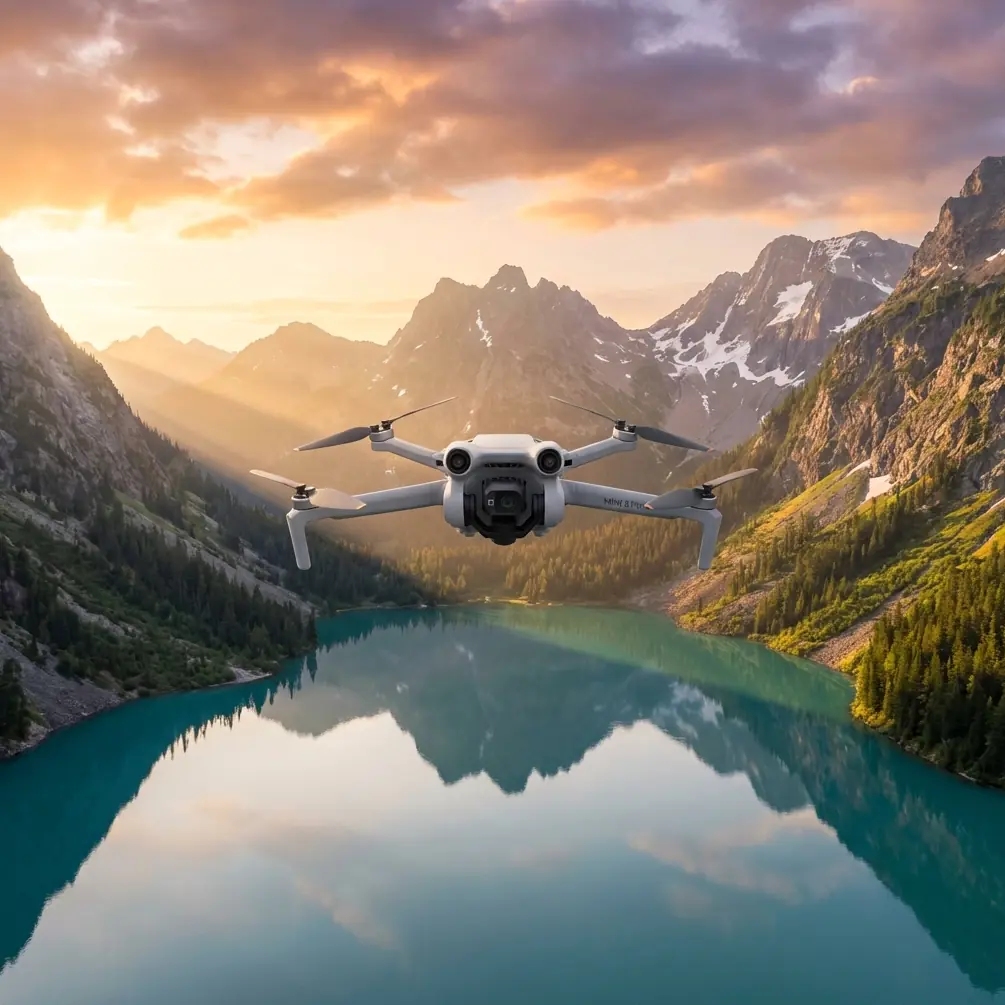
Mini 5 Pro for Low-Light Coastlines: A Field Strategy That Actually Works
META: Expert Mini 5 Pro low-light coastline shooting strategy covering battery management, obstacle avoidance, ActiveTrack, D-Log, Hyperlapse, and real-world flight planning.
Coastlines look easy from the ground. Open horizon, dramatic surf, clean leading lines. In the air at low light, they become one of the more demanding environments you can fly.
I’ve seen pilots underestimate that combination more than once. The light is beautiful, but it is also thin. Contrast drops. Wet rocks and shallow water reflect in unpredictable ways. Wind close to sea cliffs behaves differently from wind over a parking lot or a field. And when you’re flying a compact drone like the Mini 5 Pro, the margin for lazy planning shrinks fast.
That is exactly why this aircraft makes for an interesting case study. The Mini 5 Pro sits in the sweet spot many creators want: light enough to travel with constantly, capable enough to produce refined footage when conditions are far from ideal. If your goal is capturing coastlines near sunrise, after sunset, or during that brief blue-hour window when the water turns metallic and the land starts losing detail, success comes down to how you manage three things: exposure discipline, flight safety, and battery judgment.
Most people focus on camera settings first. That matters, but it is not the first mistake that ruins a shoreline session.
The real problem usually starts before takeoff.
The low-light coastline problem
Low-light coastal flying stacks several small risks into one operation. None of them look dramatic on their own. Together, they produce the kind of sortie that ends with mediocre footage or a rushed recovery.
First, obstacle visibility changes. Cliff edges, outcroppings, poles near walking paths, and thin branches beside beach access roads become harder to read in dim conditions. That is where obstacle avoidance earns its keep. On a drone like the Mini 5 Pro, those sensors are not just a convenience feature for beginners. They are a layer of insurance when your visual perception is dealing with fading contrast and shifting sea haze.
Second, subject separation gets messy. If you are trying to track a lone surfer, a moving vehicle along a coast road, or even a person walking a ridgeline, the scene can confuse weaker tracking systems. Dark clothing against dark rock, white foam crossing behind a subject, and long shadows all increase the odds of a poor lock. That is where ActiveTrack-style subject tracking becomes operationally useful rather than merely fun. It reduces the number of manual stick corrections you need to make while also letting you protect your framing when the environment is already asking a lot of your attention.
Third, battery confidence becomes deceptive. This is the one that catches experienced pilots too. You launch in calm conditions from a sheltered overlook, drift outward over the water, and everything feels under control. Then the return leg exposes a headwind you barely noticed on takeoff. Add colder air, repeated repositioning, and a few aborted passes, and your comfortable reserve starts collapsing faster than expected.
That is why my strongest field advice has nothing to do with cinematic presets.
The solution starts with battery discipline
When I’m shooting coastlines in low light, I treat battery planning as a creative tool, not just a safety checklist.
My rule is simple: never let the “good light” trick you into extending the flight beyond your pre-decided turnaround point. On shoreline missions, I mentally split one battery into three blocks. The first block is for climb, orientation, and a single establishing pass. The second is for the hero work: tracking, QuickShots, or a controlled Hyperlapse setup. The final block belongs to the return, with extra margin for wind shift and a second landing attempt if the first touchdown zone becomes awkward.
That final block is non-negotiable.
The field tip I come back to constantly is this: if the sea is on one side and land clutter is on the other, start your session with the farthest shot first while the battery is fresh. Many pilots do the opposite because they want to “warm up” close to home. That often leaves the longest outbound segment for the lowest battery state, which is exactly backward in a coastal environment.
I also avoid hovering while I think. If I need to rethink composition, I bring the drone into a safer loiter position with a direct recovery line. Low-light shoots can make you indecisive because every minute the scene changes. That indecision costs battery faster than most creators realize.
If you want to compare field setups or plan a specific location, you can message us here and talk through the flight logic before you go.
Why obstacle avoidance matters more at the coast than many pilots expect
People tend to associate obstacle avoidance with forests, urban gaps, or complex inland terrain. Coastlines seem open. They are not.
The dangerous objects are often irregular and low contrast: damp rock spires, fence lines near bluff edges, isolated signage, sea stacks, and vegetation that blends into shadow. At low light, the problem is not only collision risk. It is hesitation. Every time you become unsure about clearance, your flight becomes less smooth and your camera move loses confidence.
That’s why obstacle avoidance is particularly valuable during lateral shoreline passes and ascending reveals. A clean reveal from below a cliff shelf to a horizon line looks effortless when done well. In practice, it asks the pilot to balance pitch, altitude, yaw, and composition while the terrain is changing depth quickly. Sensor support helps preserve that composure.
There is a practical caveat, though. You should not treat avoidance systems as permission to fly recklessly near rock faces or into sea mist. In dim light, any sensing system can become less dependable depending on texture, angle, and ambient conditions. The best use of the feature is to widen your safety envelope, not replace your judgment.
That distinction matters. A lot.
ActiveTrack is useful, but only if you think like an editor
Low-light coastline footage gets stronger when there is a subject in the frame. A drone shot of waves and cliffs can be beautiful, but it often becomes more memorable when something moves through it: a paddleboarder cutting across darker water, a vehicle winding along a shore road, or a person silhouetted on a ridge.
This is where ActiveTrack earns its place. Not because it flies for you, but because it lets you concentrate on story shape. When the Mini 5 Pro can maintain a stable subject lock, you free up attention for angle selection, pace, and background management.
Operationally, that means better decisions in the moment. You can choose whether the coastline should dominate the frame or whether the subject should. You can decide when to let the ocean breathe as negative space and when to tighten the line of travel. Instead of micro-correcting every second, you work more like a camera operator and less like a machine trying to keep up.
Still, low-light tracking over water has limits. Reflection, surf texture, and crossing shadows can all interfere with clean subject recognition. My approach is to use tracking for predictable motion and short planned segments rather than lengthy hope-driven runs. Track the cyclist through the bend. Track the walker along the clean ridge line. Then reset. Those shorter pieces are easier to edit and safer to execute.
QuickShots and Hyperlapse are not gimmicks here
A lot of pilots relegate QuickShots to social clips and treat Hyperlapse as an occasional novelty. That misses the point when shooting a coast in low light.
QuickShots are useful because they impose motion discipline. If the light is fading and your attention is divided, a pre-structured move can be the difference between coming home with one polished clip and ten nearly usable ones. A well-timed reveal, orbit, or pullback over darkening shoreline gives you a repeatable motion path when manual precision is getting harder to sustain.
Hyperlapse brings a different advantage. Coastlines change character minute by minute in low light. Clouds catch the last band of sun. Tidal edges pick up contrast. Harbor lights start separating from the land. A carefully chosen Hyperlapse can show that transition better than real-time video ever could.
The trick is not overusing it. Pick a frame with stable geographic anchors: a headland, pier, lighthouse, or repeating rock pattern. Let the changing light do the work. If the scene is compositionally weak, no motion mode will rescue it.
D-Log only helps if you expose with restraint
Low-light shooters love the idea of a flat profile. For good reason. D-Log-style recording gives you more flexibility when the sky is still holding detail but the coastline is already dropping into shadow. That extra grading room can preserve tonal nuance that a more baked-in profile might throw away.
But D-Log is not magic. On a compact drone, low light still means you are balancing dynamic range against noise. If you push too far into underexposure because you assume grading will save the file, you often end up with brittle shadows and ugly color separation in the darker rock and water zones.
My advice is conservative: protect the highlights you cannot replace, but do not starve the image. If the brightest section of the horizon clips, the scene usually looks cheap immediately. If the deepest shadows get slightly dense, the image can still feel intentional. Coastline footage often benefits from that mood anyway. The mistake is swinging too far in either direction.
This is also where flight planning helps image quality. If you know which pass is for the bright horizon and which pass is for the darker cliff texture, you can adapt your angle and timing instead of forcing one exposure strategy across every shot.
A practical low-light coastline workflow for Mini 5 Pro
Here is the workflow I recommend when the light is dropping and the shoreline is your subject.
Arrive early enough to study wind by terrain, not just by app data. Watch what happens near cliff edges, beach entrances, and exposed points. The coast creates local behavior that broad forecasts do not fully describe.
Launch with your farthest intended move first. Get the establishing shot while battery voltage is strongest and your mind is fresh. This is where you decide whether the session is about open seascape, coastal geometry, or a moving subject.
Then capture one or two deliberate hero sequences. If a subject is available, use ActiveTrack for short controlled sections, not endless chases. If there is no subject, use QuickShots selectively for repeatable camera movement.
Reserve Hyperlapse for the moment when the scene is visibly transitioning. If the sky is not changing or the tide line is visually flat, skip it and spend that battery on stronger real-time footage.
Use obstacle avoidance as backup when working near cliffs, access roads, and shoreline structures, but keep separation generous. Low light is not the time to prove how close you can fly.
And finally, land earlier than your ego wants. Coastal shoots tempt pilots to squeeze “just one more” pass because the light often peaks emotionally right before it disappears. Experienced operators know that the last thirty seconds of beautiful light are not worth a compromised return leg.
What makes the Mini 5 Pro especially suited to this scenario
For low-light coastline work, the Mini 5 Pro concept is compelling because it brings together exactly the tools that matter in this environment: obstacle avoidance for safer margin near complex terrain, ActiveTrack for cleaner subject-led storytelling, QuickShots and Hyperlapse for structured motion under time pressure, and D-Log for handling a scene where bright sky and dark shore rarely agree with each other.
None of those features alone make the shot. Together, they reduce friction. They let a small aircraft work with more intention than its size would suggest.
That is the real story here. Not that a compact drone can fly over the sea at dusk. Many can. The meaningful question is whether it can help you stay precise when the environment is visually confusing, the battery window is narrowing, and the best images only exist for a few minutes.
Handled properly, the Mini 5 Pro is not just capable of surviving that scenario. It is built to make it productive.
And if you remember only one thing from this piece, make it the battery rule: shoot the farthest pass first, protect your return margin, and never let beautiful light negotiate against your landing plan.
Ready for your own Mini 5 Pro? Contact our team for expert consultation.